syncthing cloud backup...in 5 mins?
I primarily use OneDrive for most file syncing needs, but with a dual-backup approach: files go to both OneDrive and my VPS when needed. Today, I tried setting up Syncthing after reading [Sylvia's post](https://sylvia.bearblog.dev/syncthing-on-openbsd/).
### server
I use RackNerd for personal projects - they offer excellent value compared to Vultr, especially with yearly plans. (I found them through LowEndTalk, a great resource for VPS deals). For work, I stick with DigitalOcean.
[Easypanel](/easypanel-appreciation-post) makes managing everything super simple - it's a server control panel that helps deploy containerized applications with just a few clicks. No need to mess with Docker commands or configurations. It also provides a neat logs window and console access to each service directly within the web GUI, making troubleshooting and monitoring incredibly convenient without ever leaving your browser.
^ While understanding commands and becoming an expert in Docker has its merits, for these kinds of use cases, a one-click deployment solution like Easypanel saves tremendous time and effort.
### setup process
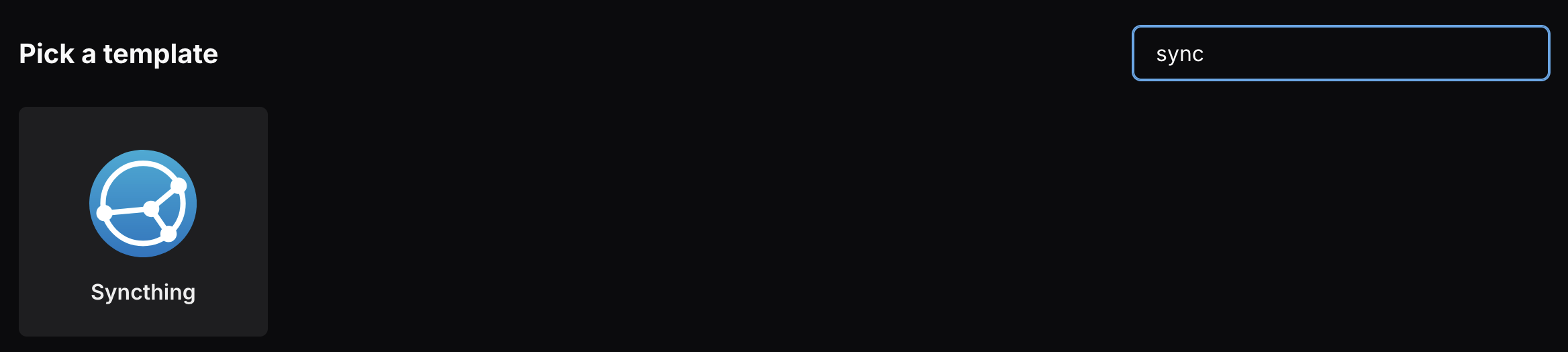
① Pull the Syncthing Docker image
② Pull the Filebrowser image for web-based file management
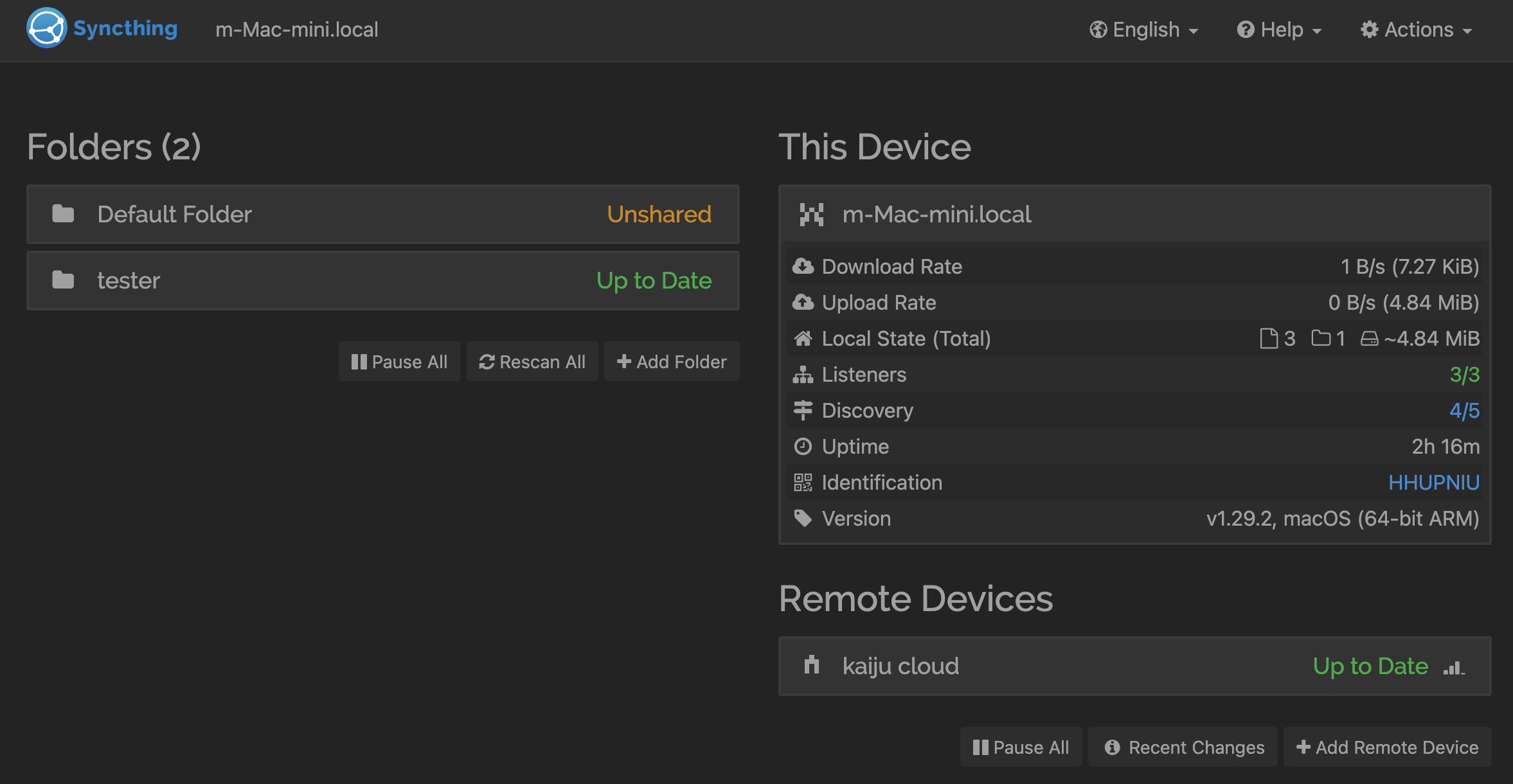
③ [Install](https://syncthing.net/downloads/) Syncthing on my local Mac Mini
④ Add local device to cloud server
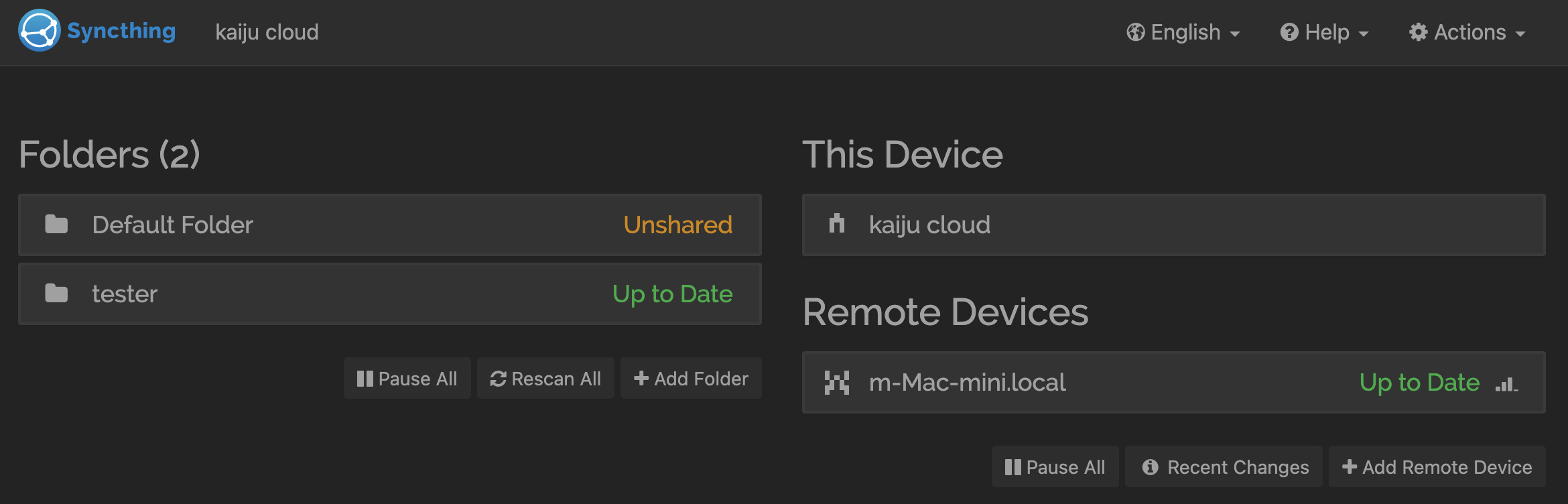
⑤ Use Filebrowser for easy remote file access
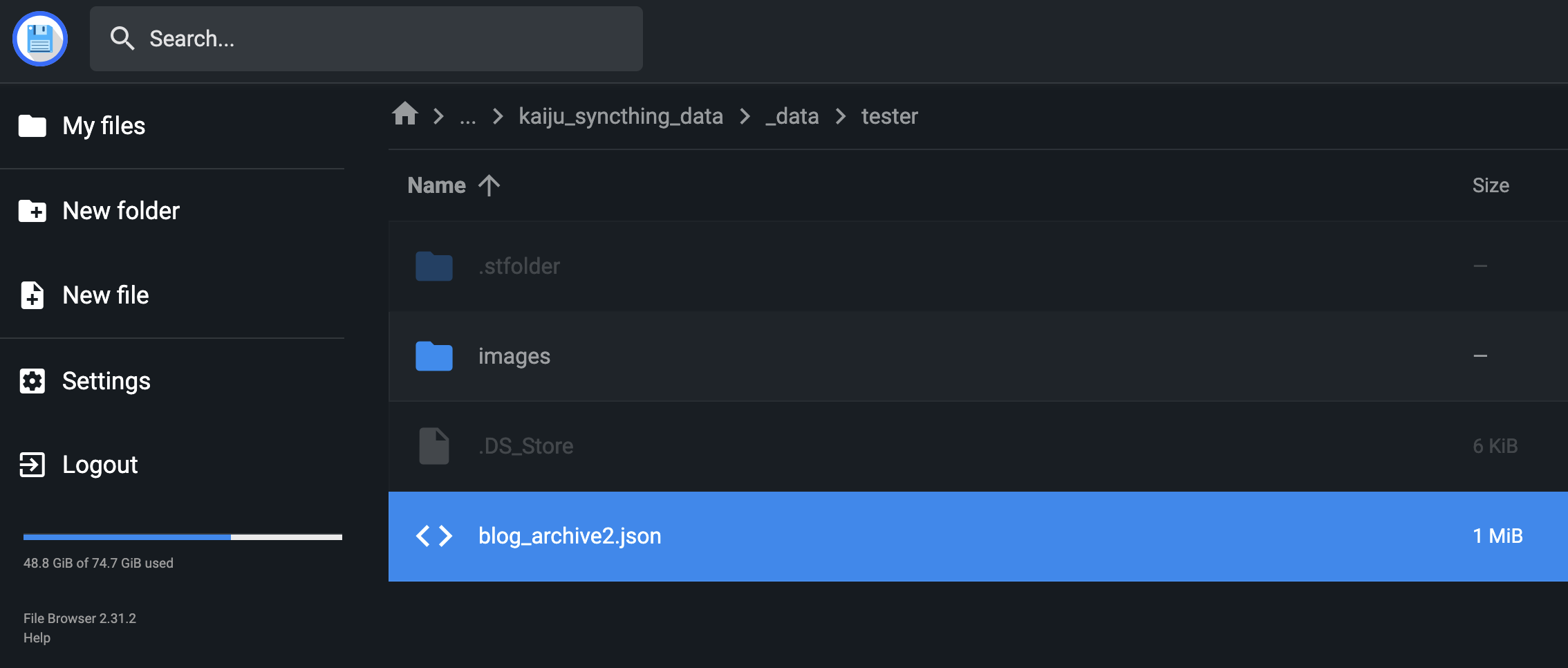
great success.