how to change the maximum product limit in shopify featured collections (pitch theme)
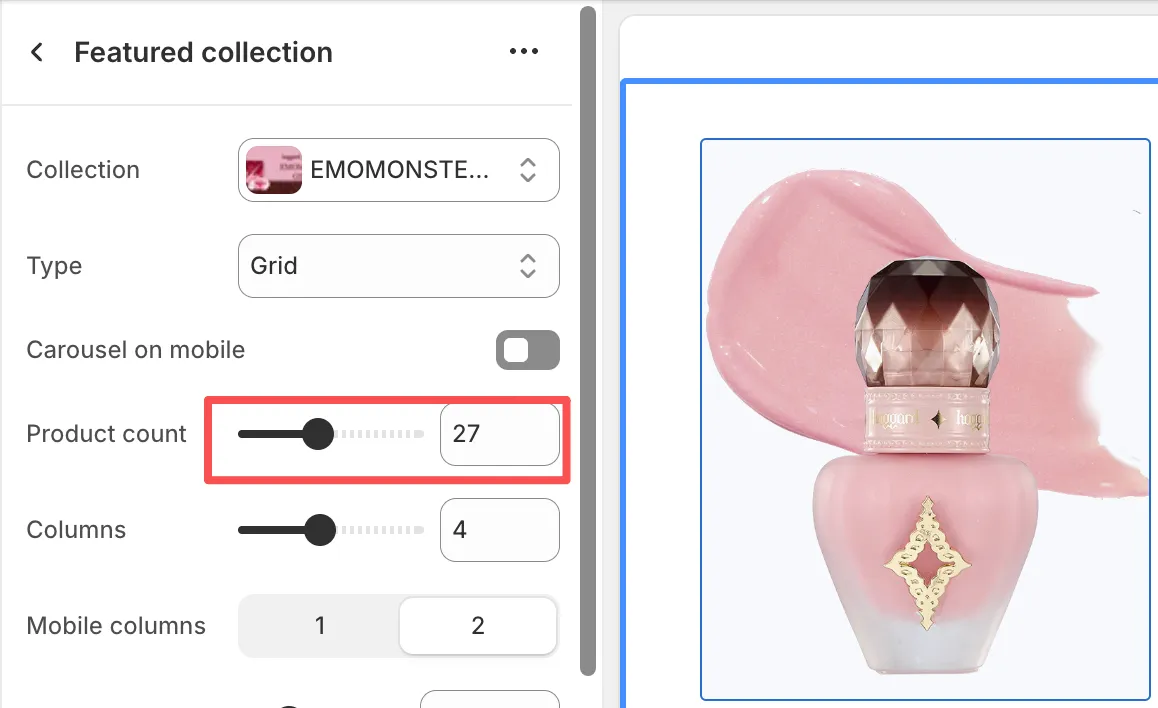
Ever since I started working on this [Shopify project](https://mgx.me/how-to-make-your-shopify-slides-clickable-pitch-theme) (I'm very new to its theme development ecosystem btw), I've found these edge cases interesting. The maximum product count in featured collections is a common limitation across all Shopify themes, not just Pitch.
## why
Shopify themes use schema settings with predefined ranges to control product limits. These limits are often set conservatively to:
- Maintain performance
- Prevent overwhelming customers
…but some clients have [their way](https://static.mgx.me/images/2025/dawae.webp) of getting things done.
## the solution (pitch theme specific)
Here's how to break free from the 16-product limitation in the Pitch theme:
### step 1: access the theme files
Navigate to your theme files and open:
```
sections/product-list.liquid
```
### step 2: locate the Product Limit setting
Find the schema section (usually near the bottom) and look for this configuration:
```liquid
{
"type": "range",
"id": "max_products",
"label": "t:settings.product_count",
"min": 1,
"max": 16, // ← This is your 16-product limit
"step": 1,
"default": 4
}
```
### step 3: increase the maximum
Change the `"max": 16` to your desired limit:
```liquid
"max": 32, // Now you can show up to 32 products
```
### step 4: save and apply
1. Save the file
2. Refresh your theme in Shopify admin
3. Test the new limit in your featured collection settings
*This solution works specifically for the Pitch theme, but the concept applies to most Shopify themes. Look for similar schema settings in your theme files to achieve the same result.*